 1
1Measure 3 times, snap 3 photos
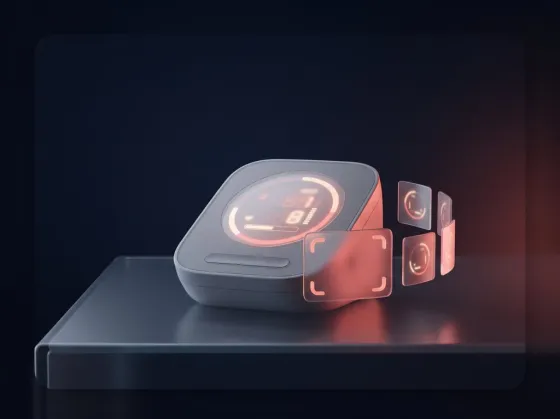
Use your own monitor. After each reading, photograph its screen with the in-app camera or pick the photos from your library.
BP Lens is the blood pressure diary that reads your monitor for you. Measure 3 times, snap the screen after each reading, and get the average, your level in plain words and your trend — saved in seconds.
How it works
Home blood pressure guidelines ask for several readings in a row. BP Lens turns them into one clean record, without copying a single number.
1Use your own monitor. After each reading, photograph its screen with the in-app camera or pick the photos from your library.
 2
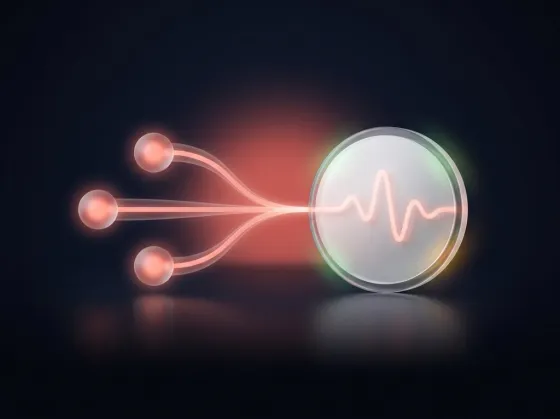
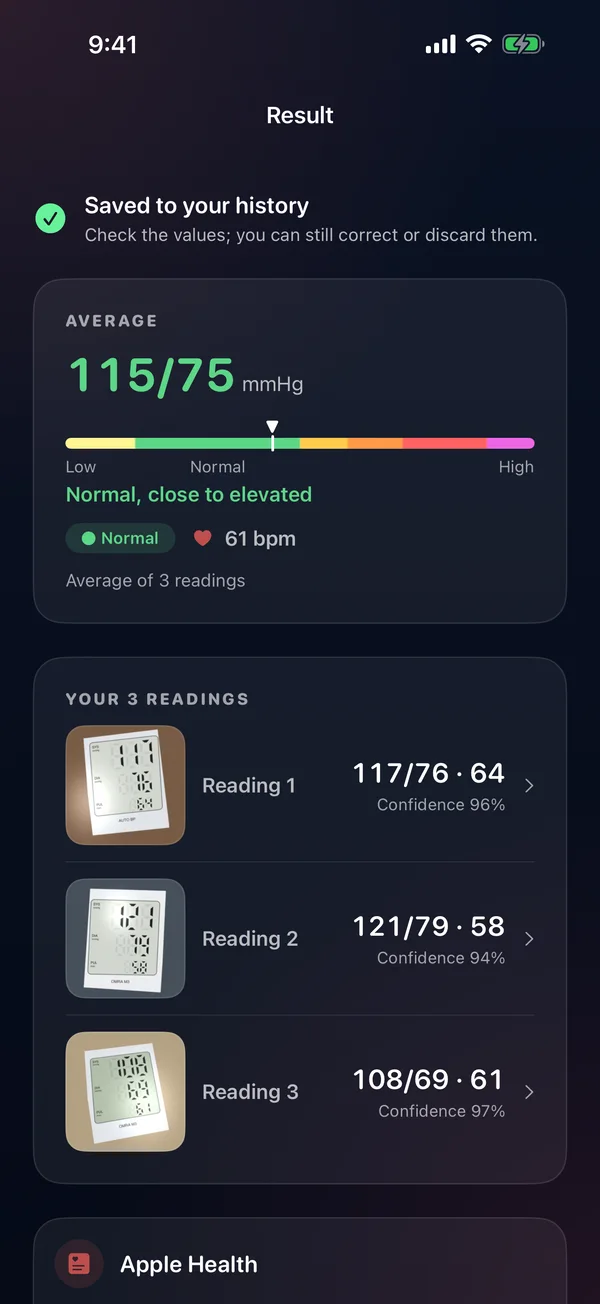
2BP Lens reads systolic, diastolic and pulse from each photo, shows the three readings and their average, and lets you fix any number.
 3
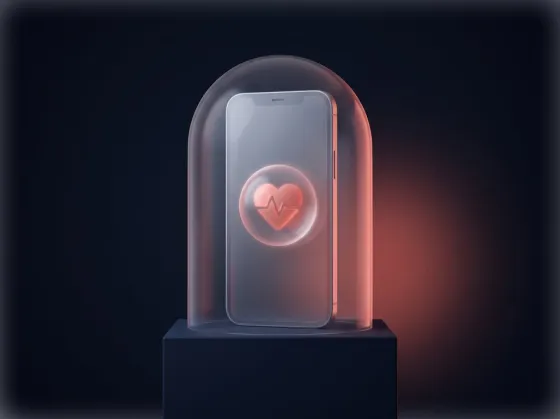
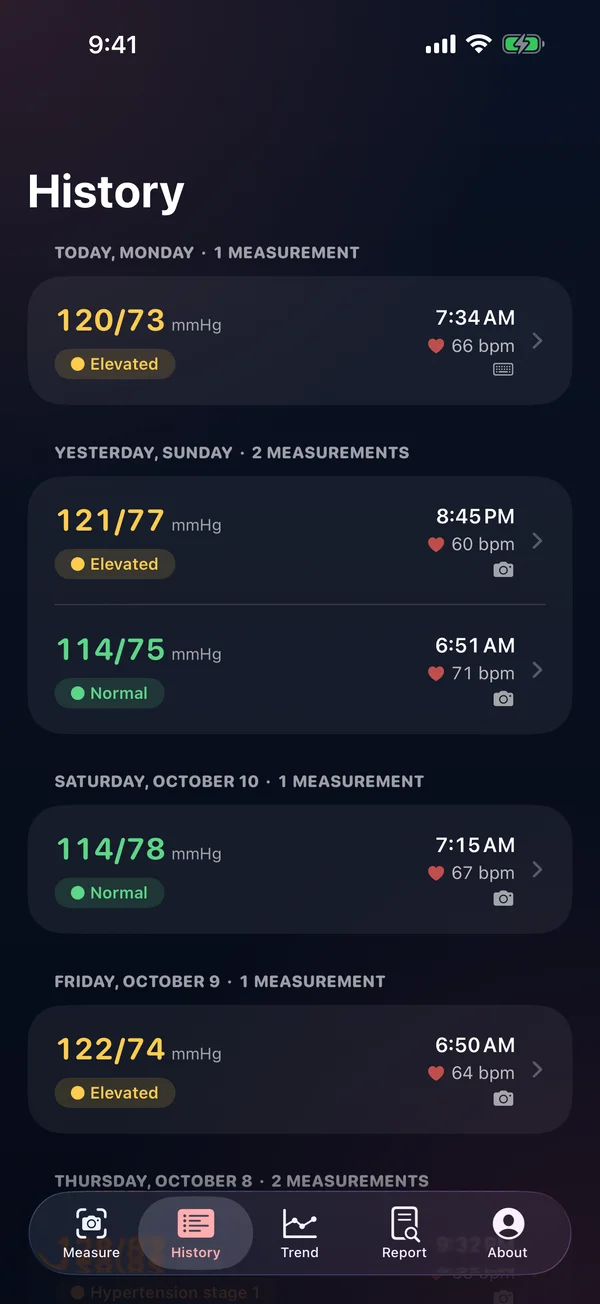
3Every record stays on your iPhone, with its photos, its level and a report every 3 days. Back it up only if you want to.
Inside the app
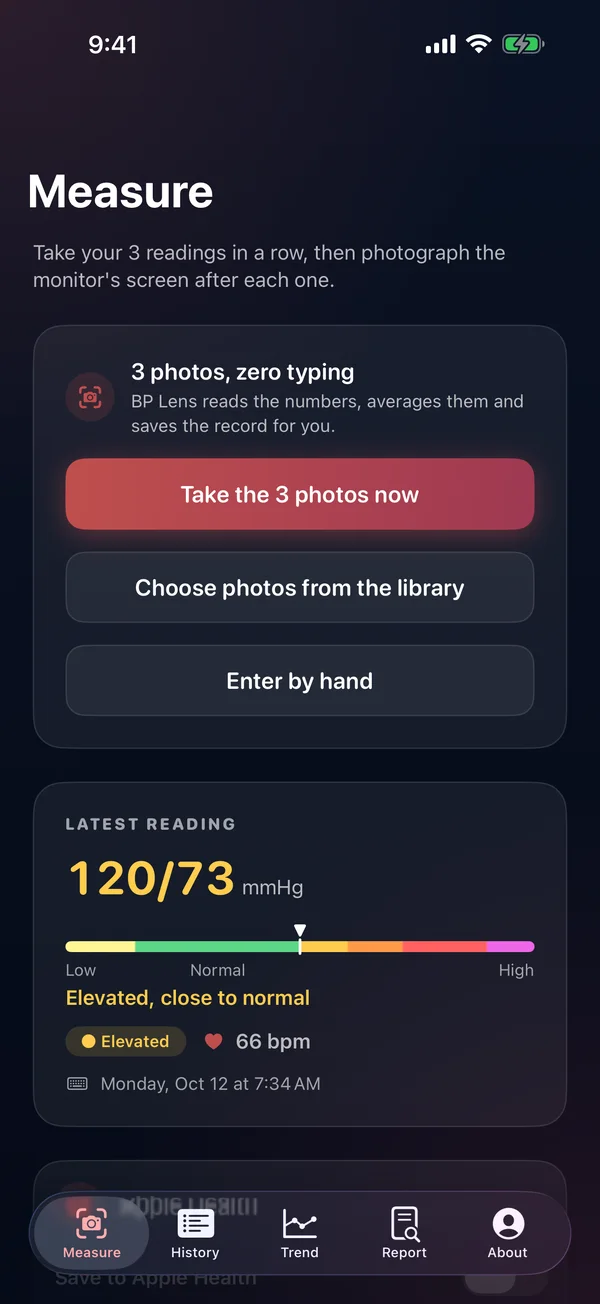
Built for the moment after the cuff comes off: big numbers, honest colors and nothing to configure.
Features
Three photos of the screen become three readings and their average. Prefer typing? Enter them by hand.
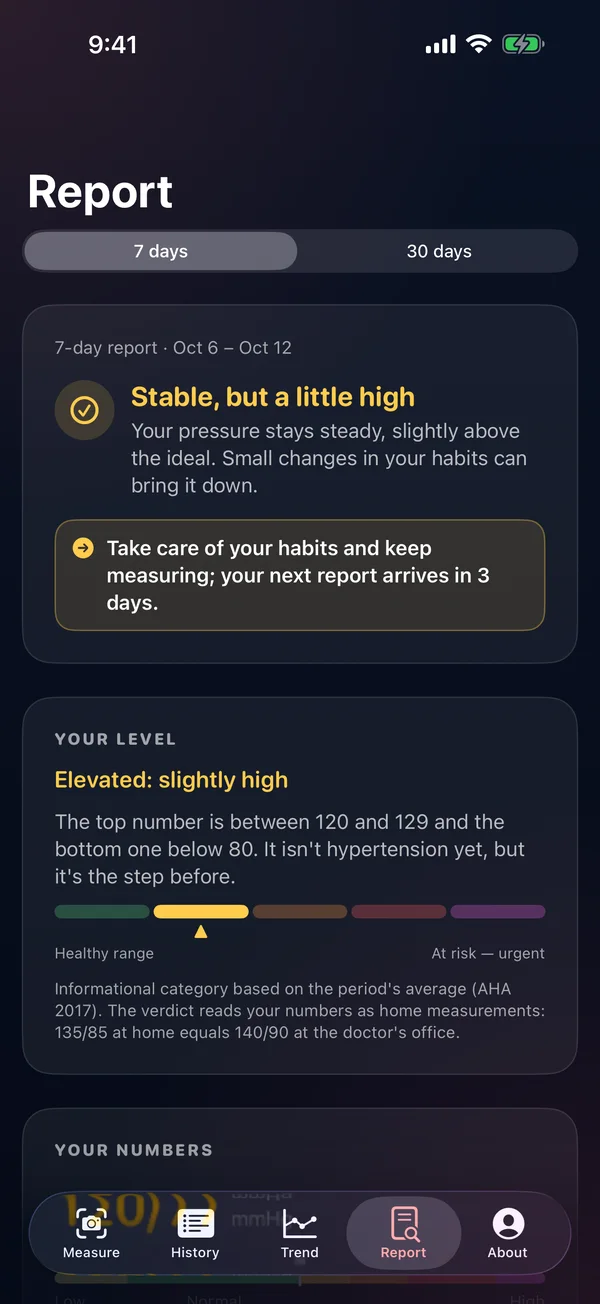
Every record shows its informational category from the 2017 AHA/ACC guideline, from Normal to Hypertensive crisis.
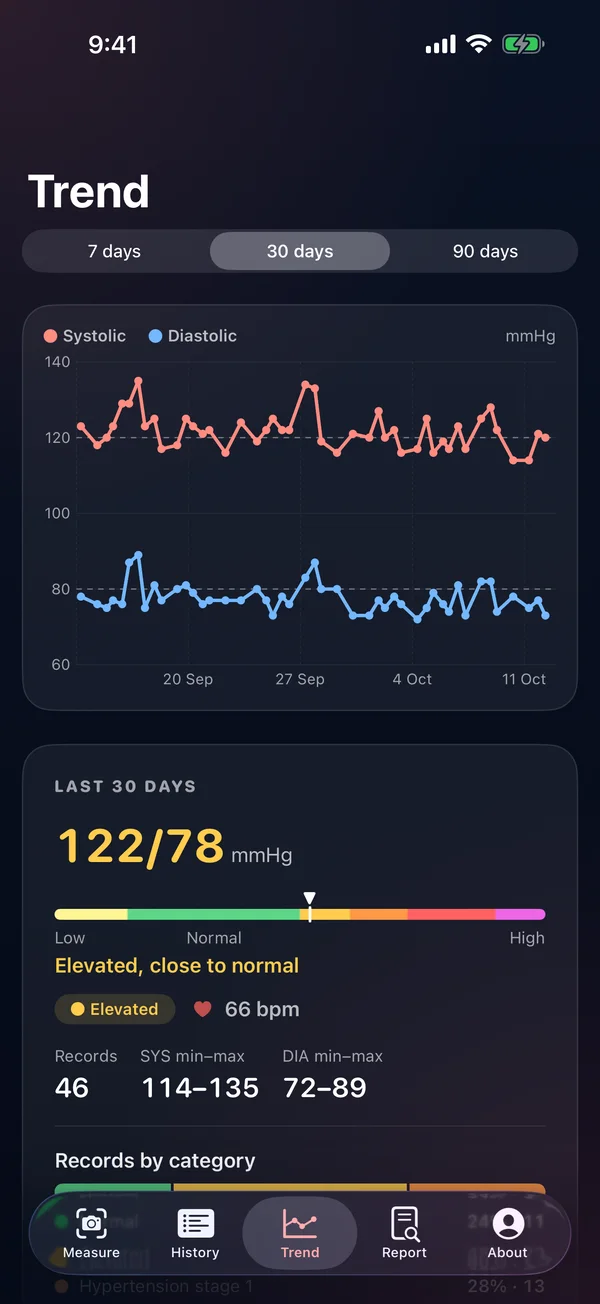
7- and 30-day averages, morning vs. evening, variability and trend, with an optional notice when it's ready.
See systolic and diastolic over 7, 30 or 90 days and export everything as CSV for your doctor.
Coffee, exercise, rest, medication: the context that explains a high reading is saved with it.
Turn it on and your readings flow to Apple Health; turn it off and they stay only in BP Lens.
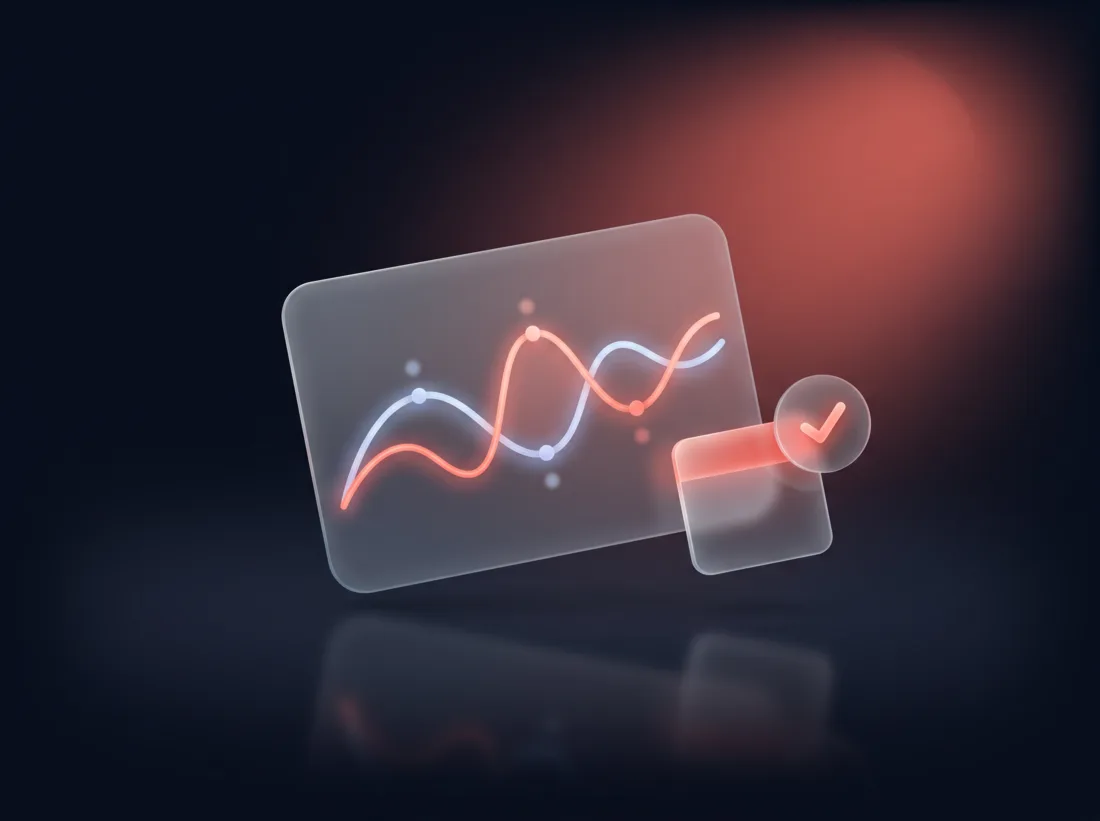
New in version 1.1
Every 3 days BP Lens looks at your last 7 and 30 days and tells you, in a sentence, where you are and which way you are going.
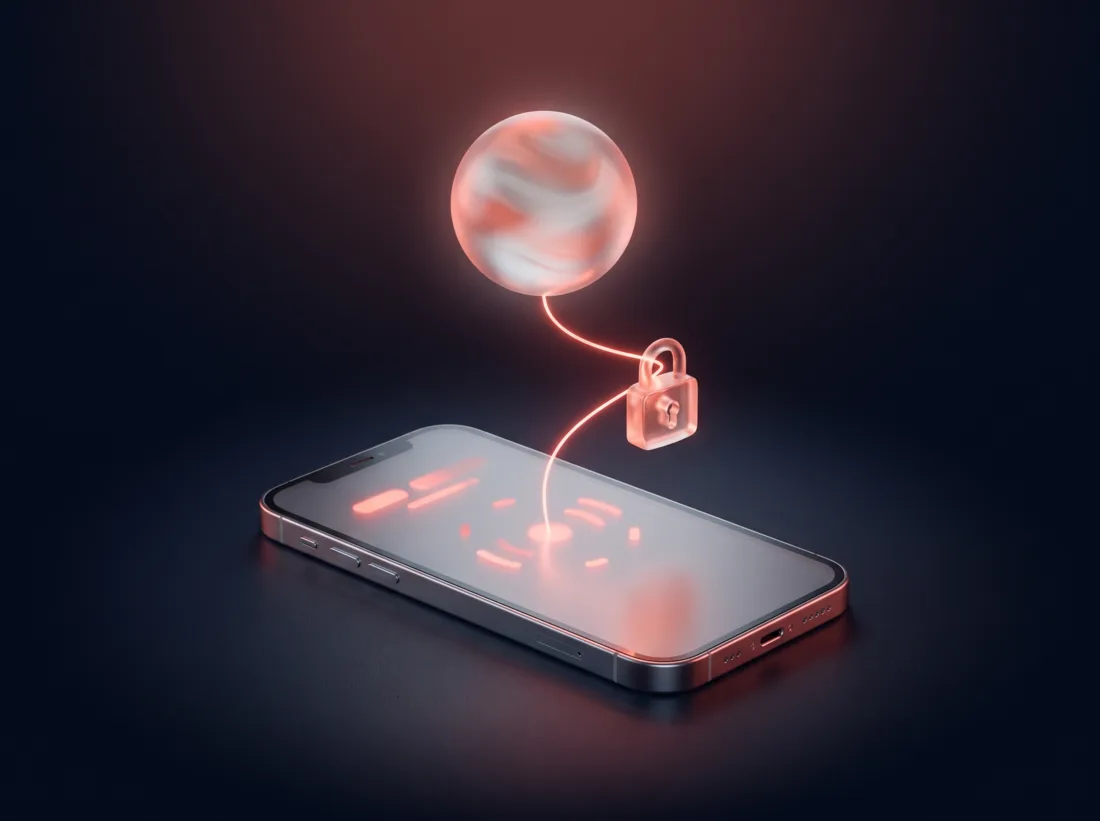
New in version 1.1
Create a private link and paste it into ChatGPT, Claude or Gemini. Your assistant reads your history and answers your questions — and the link expires in 30 minutes.
Privacy
FAQ
Any home monitor with a digital screen showing systolic, diastolic and pulse. If a photo is blurry or a number looks off, you can correct it before saving, or enter the reading by hand.
Home blood pressure guidelines (AHA/ACC 2017, ESH 2023) recommend at least two readings in a row and using the average. BP Lens makes three effortless and averages them for you.
No. BP Lens is a diary with informational categories. It does not diagnose or treat, and it never replaces your doctor. In an emergency, call your local emergency number.
No. Everything works without one. An optional Apple or Google sign-in adds an encrypted backup so you can restore your history on a new iPhone.
Only with your consent, the three photos are sent to our server to read the numbers. They are not kept there. Your records and your profile stay on your iPhone.
Yes, if you turn it on. Your readings can be saved to Apple Health and BP Lens can read your past ones.
BP Lens for iPhone. One-time purchase, no subscription, no ads.
BP Lens is not a medical device. Categories are informational, based on the 2017 ACC/AHA guideline; they do not diagnose, treat or replace a health professional. In an emergency, call your local emergency number.